QuickBooks Online Integration
Every invoice, payment, and refund you process in Petsoft shows up in QuickBooks Online automatically — no exports, no spreadsheets, no re-keying numbers at the end of the day. Your bookkeeper gets clean, current books. You get your evenings back.
Bookkeeping That Keeps Up With You
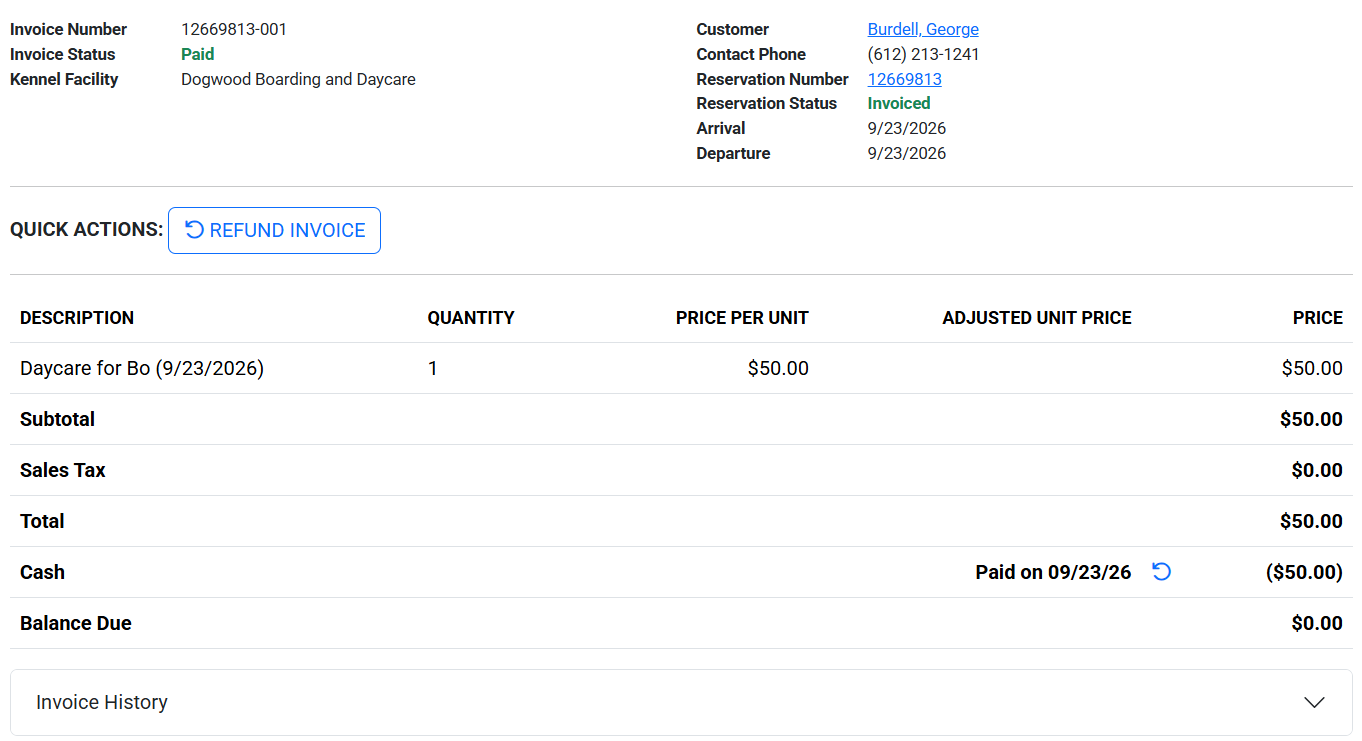
Post an invoice, take a payment, or issue a refund in Petsoft, and it's on its way to QuickBooks Online in the background — no button to press, no batch to run at close of day. Petsoft stays your system of record for day-to-day operations; QuickBooks stays your system of record for the books.
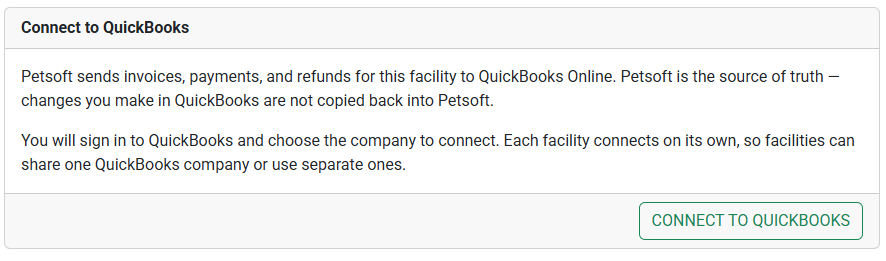
Sign in to QuickBooks Online, authorize the connection, and map your chart of accounts once — Petsoft suggests sensible defaults for every account, so most businesses just confirm and go. From there, everything downstream is automatic.
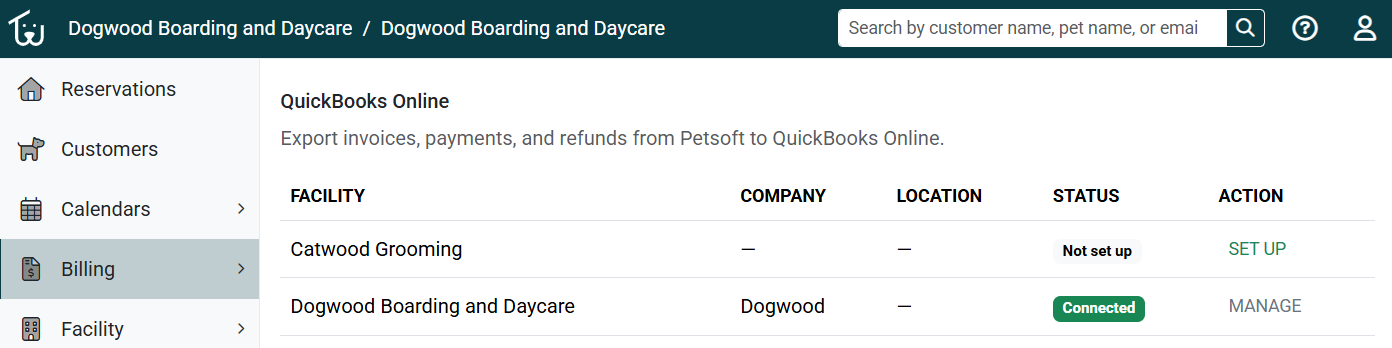
Run more than one facility? Connect each one on its own terms — share a single QuickBooks company across every location for consolidated books, or give a facility its own company entirely. Mix and match however your business is actually structured.
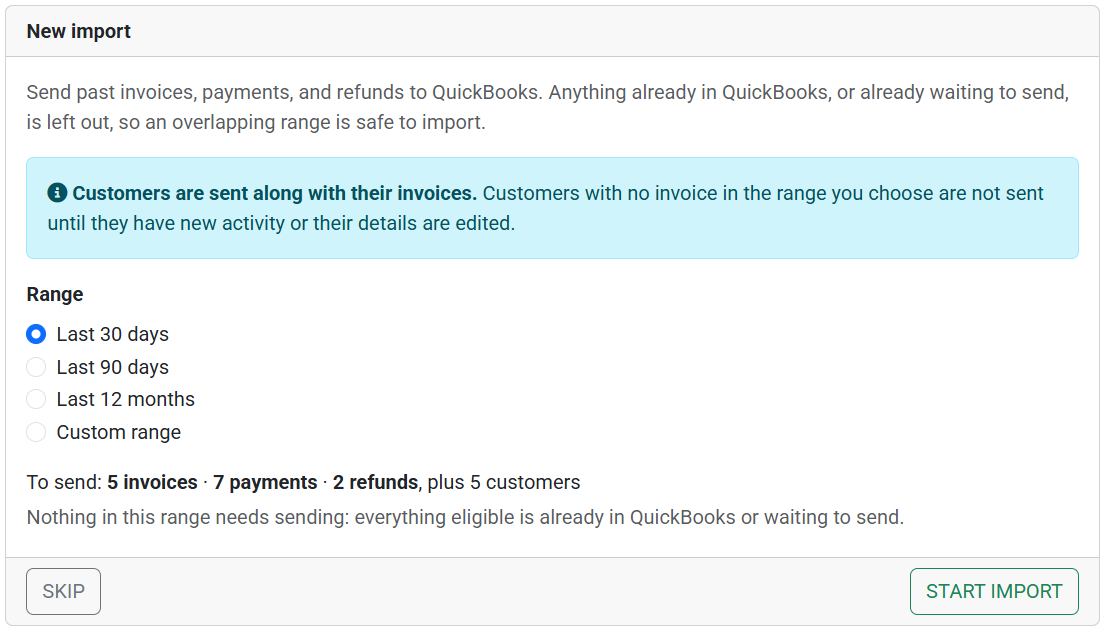
Connecting mid-year doesn't mean starting your QuickBooks records from a blank slate. Import invoices, payments, and refunds from before you connected, on your own schedule, without ever slowing down the exports happening today.
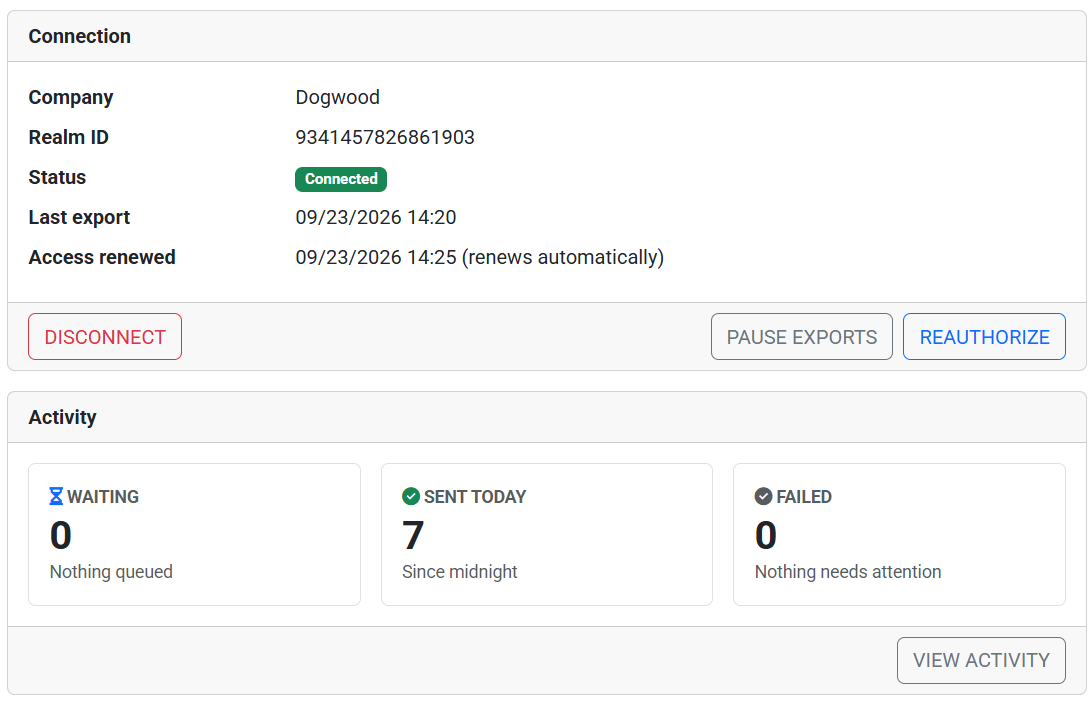
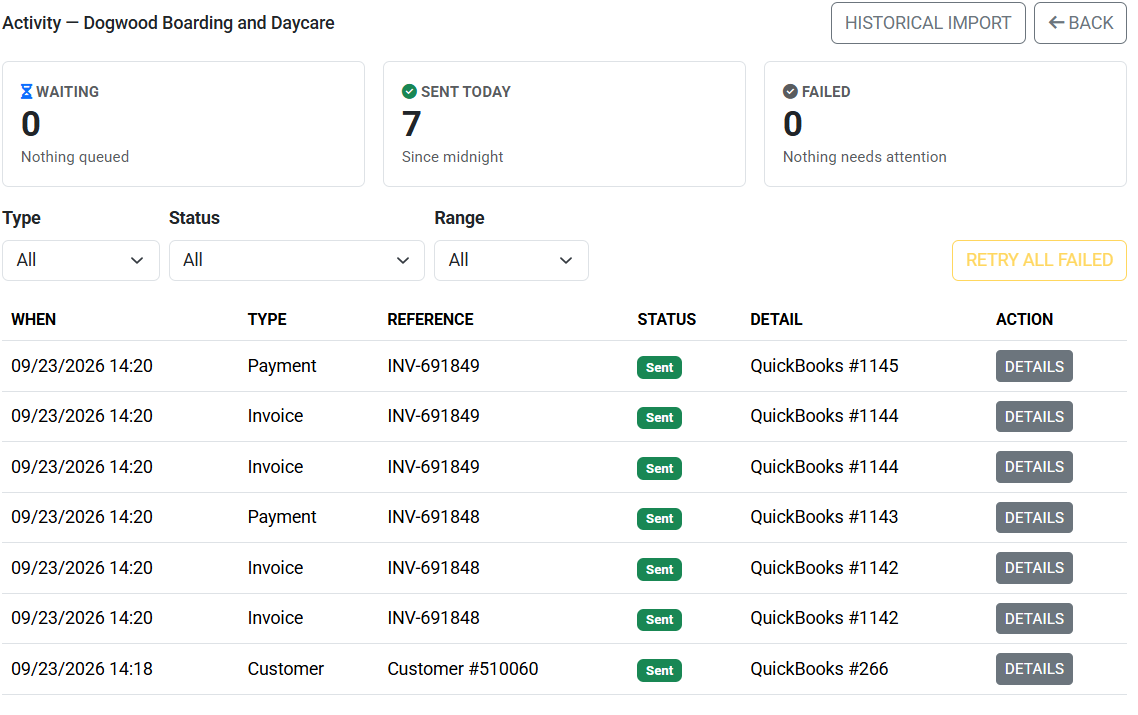
A clear activity view shows exactly what's synced and what's pending. If something ever needs a second look, Petsoft explains what happened in plain language and lets you retry with one click — and emails your team automatically if anything needs attention.
Why pet care businesses connect QuickBooks
Stop the month-end scramble
No more exporting spreadsheets or re-typing a month of invoices into QuickBooks before your bookkeeper can close the books.
Fewer data-entry mistakes
Every dollar in QuickBooks traces back to the transaction your front desk actually recorded — not a number someone retyped by hand.
Your accountant will thank you
Hand your bookkeeper accurate, current books instead of a shoebox of receipts and a CSV export at tax time.